
2 Ways to Quickly Find Your Company's Sign-In Page
Look in the address bar of your desktop browser
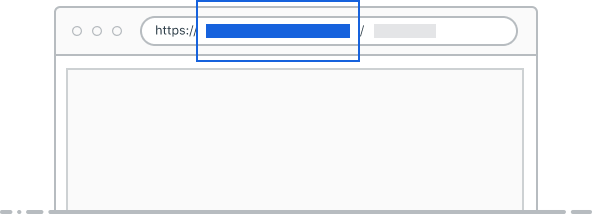
The sign-in URL is the web address you use in your desktop browser to access your company portal.
━━━━━━━━━ OR ━━━━━━━━
Look in your activation email
Look in your Welcome/Activation email
(If you received one during your company’s onboarding process).
Your organization’s sign in page is located below the Activate account button.
Still having trouble locating the sign-in URL?
Contact your IT administrator for help.